
Tea Spins Casino Login and Registration Guide for UK Players
Players who are of age and agree to our terms of use can have their pick of 11,000+ games and generous bonuses once they complete a Tea Spins Casino sign in process. Tea Spins have streamlined every step of the sign-up and sign-in process for maximum comfort. In addition to requiring the barest personal details to set up your account, we’ve made logging in on our mobile app (PWA) a breeze as well. Set up your profile and take the first step toward potentially bigger wins today.

How to Create Your Account for Further Tea Spins Login
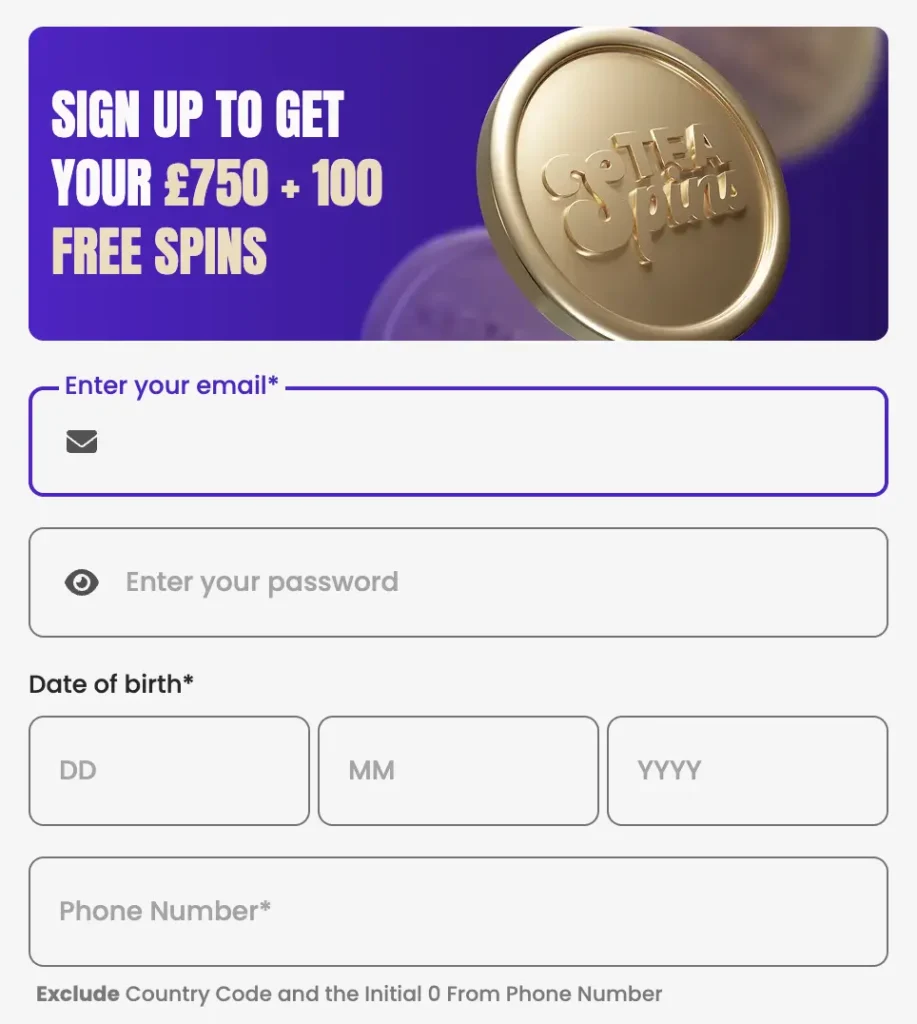
Tea Spins register process in the UK comes down to five steps. The entire process takes less than two minutes as well. All you need to do is:
- Tap the “Join Now” button at the top-right corner of your screen.
- Fill in your active email address, date of birth and phone number.
- Set a unique password to do a Tea Spins login later.
- Tick the age verification and privacy policy box.
- Select “Sign Up”.
Finishing the above wraps up the basic stage of your sign up. You can take care of the rest by accessing “My Profile” and going to the “Verification” tab. There, you’ll be expected to provide other details like your first name, last name and address.
We require this data to satisfy existing know-your-customer (KYC) regulations in the United Kingdom. This information also helps us better secure your account.
Requirements for Tea Spins Registration
Only users who are 18 or above are eligible to create profiles on our account and proceed with the TeaSpins Casino login. Furthermore, players have to provide valid proof of age upon request to unlock all our features and services. You also have to be accessing our casino out of a supported region, such as the UK, for you to be able to sign up with us. Keep in mind that we do not encourage the use of VPNs.
Additionally, we have a strict anti-fraud policy. Gamers who don’t follow these guidelines can be subjected to account suspension or termination. Completing registration means that you agree to all our terms and conditions.
Account Verification for UK Players
You have to verify the authenticity of the information you’ve provided to gain access to our services in their entirety with a TeaSpins login. This means uploading documents like proof of identity, proof of address and proof of payment.
To find where to upload these documents, first, complete a sign-in. Select the menu button and click on “My Profile”. Tap “Verification” in the header menu, and you’ll see where to post these files.
| Verification Documents | Examples |
|---|---|
| Proof of Identity | Driver’s licence or passport |
| Proof of Address | Phone bill or utility bill (< 3 months old) |
| Proof of Payment | Screenshot of bank statement or online bank account confirming deposit |
How to Tea Spins Log In
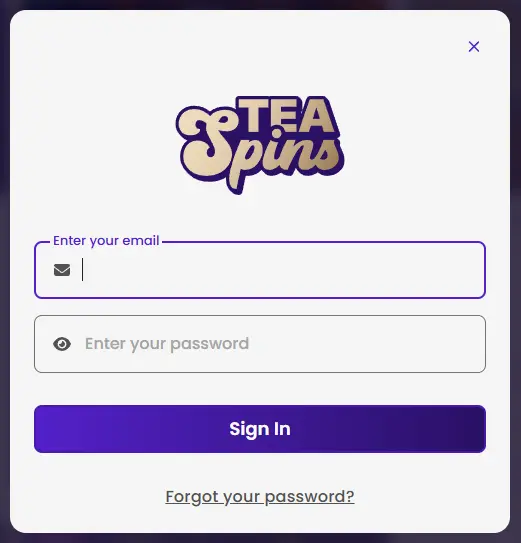
To enter your account, tap the “Log In” button. Fill in the email address and password you used during registration before a Tea Spin login. Then, click on “Sign In”. Players in the UK can complete this process in less than 30 seconds.
When providing your password, don’t forget that the field is case-sensitive. This is vital, as your Tea Spins login request will be denied if you enter the right password with the wrong case.
Mobile App Login
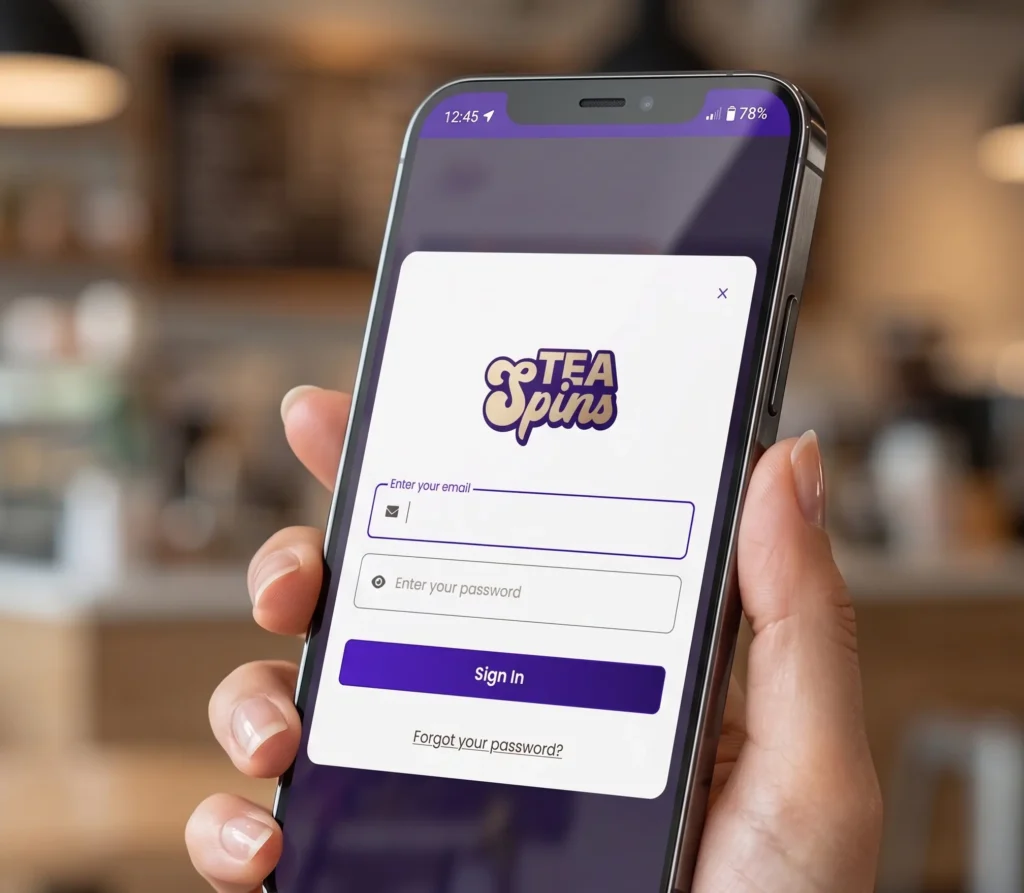
For users who have our mobile app (PWA), simply launch the software and tap the “Log In” button. Provide your email address and password and select “Sign In”.
While this mobile tool offers a new and different online gambling experience compared to our website with Tea Spin casino login, it’s not a different platform. So, you won’t need to sign up again on our app if you’ve already got an account. Not only does your initial registration on our website work here, but you can even switch from our site to the PWA mid-session without loss of progress.
Personal Details Which You Need Provide
Over the course of creating and verifying your account, you’ll have to provide details like your email address, phone number and date of birth. The registration process also requires details like your full name, address, postal code, city and gender. Some of this data, like your date of birth, can’t be changed after TeaSpin login without contacting our customer support.
So, you have to ensure you only provide information you can authenticate at every point.
It bears mentioning that the details you provide are protected under the strictest privacy regulations for TeaSpins casino login. All personal information we collect during your sign-up and verification is never shared with authorised third parties at any point. We also leverage state-of-the-art encryption technology, like SSL, to further protect this data.
Possible TeaSpins Login Issues New Players May Experience
Invalid email or password and browser compatibility are the two most common issues that new users in the UK may experience with their TeaSpin Casino login. In the case of the former, this can happen when you’re not using the correct login credentials to access your account. Be sure to input your email and password the way you set them during sign-up to fix this. With the latter, simply changing your web browser or clearing your cookies and cache can sort the problem.
Your internet connection can also impact your Tea Spins sign up process. Our platform requires a strong internet connection, or there’s likely to be a login failure. Consider switching to a stronger network provider or waiting till the connection improves to enter your account.
If all the above fixes don’t work, our customer support for Tea Spins sign in is on hand. Reach out to us via email or live chat for help right away.
Password Recovery
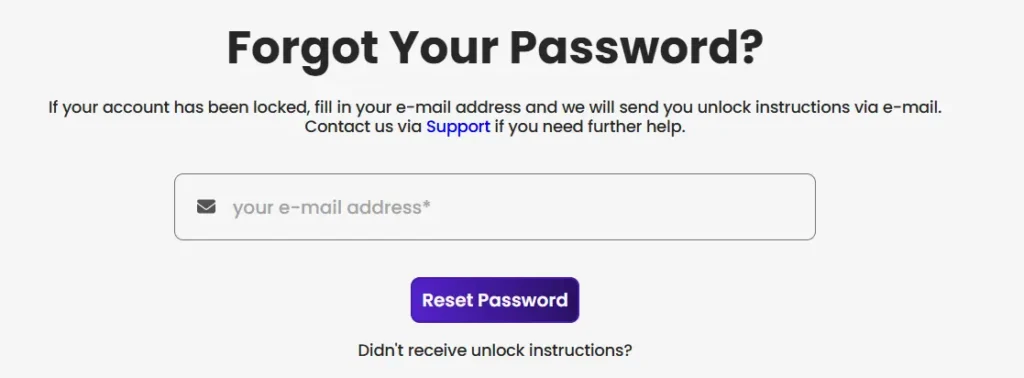
Forgotten your password? Select “Forgot Password” on the login page, and a recovery email will be sent to your registered address, letting you set a new one. If you’ve had several failed login attempts, your account may be temporarily locked for 15 to 30 minutes as a security measure — simply wait it out and try again. If the issue persists after that, our support team can assist you promptly via live chat or email.
How to Delete Your Tea Spin Profile
You can delete your player profile via our live chat or through email.
- To use live chat, just click on the chat button at the bottom of your screen and enter the prompt “Delete account”.
- Within a few minutes, an agent will contact you to confirm that action.
- Resend your request, and your user profile will be deleted immediately.
Alternatively, you can undo your sign-up and Tea Spins Casino sign in by sending us an email. Enter “Delete account” as the subject of that email. You’ll receive a message asking you to confirm that request. Once you approve, we’ll remove your player information right away.
Security Best Practices
Enable two-factor authentication where available and update your password on a regular basis. Keep an eye on login notifications, too, as these help you spot any activity you didn’t authorise. Pairing these habits with our built-in account protections goes a long way toward keeping your Tea Spins casino login process secure.
Every Tea Spins benefits from these safeguards behind the scenes, so you can focus on your games with peace of mind.
FAQ
How long does account verification take?
Verification usually takes 24 to 48 hours for standard documents, and up to 72 hours if additional checks are required.
Can I change my username after registration?
Usernames cannot be changed, as they serve as your unique profile identifier. Your password and other contact information, however, can be updated at any time.
What should I do if I forget my password?
Select "Forgot Password" on the login page and follow the instructions in the recovery email to set a new one.
Why is my account locked?
Accounts lock temporarily after multiple failed login attempts. Wait 15–30 minutes, or contact support to regain access immediately.
How do I securely log in to Tea Spins on different devices?
Enter your email and password, enable two-factor authentication if available, and keep an eye on login notifications for any activity you didn't authorise.
Can I be logged in on more than one device at the same time?
Yes — your account works across desktop and mobile browsers using the same credentials, so you can switch between devices mid-session without losing progress.
Do I need to verify my account again if I change my password?
No. Changing your password doesn't affect your verification status — your identity, address and payment documents remain valid as long as the details on file are unchanged.